
Reimagining the Heartland Point of Sale Customer Display
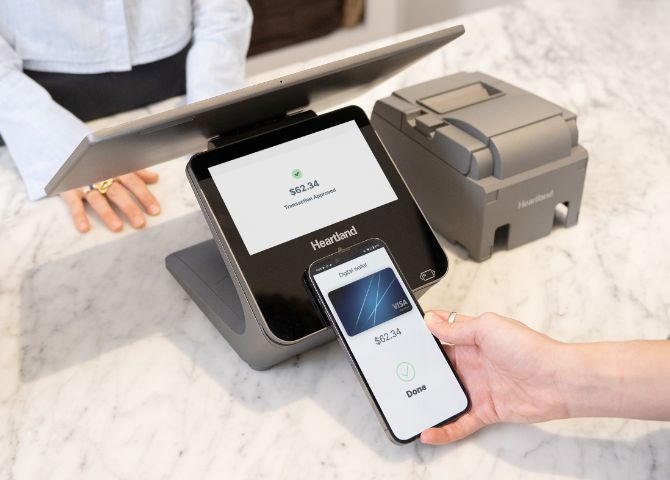
Heartland is a leading point-of-sale platform serving restaurants across the U.S., offering payment processing, order management, and loyalty solutions. After being acquired by Global Payments, many of the Global payment platforms and terminals all needed to be modernized with Heartland's design system.
The Problem
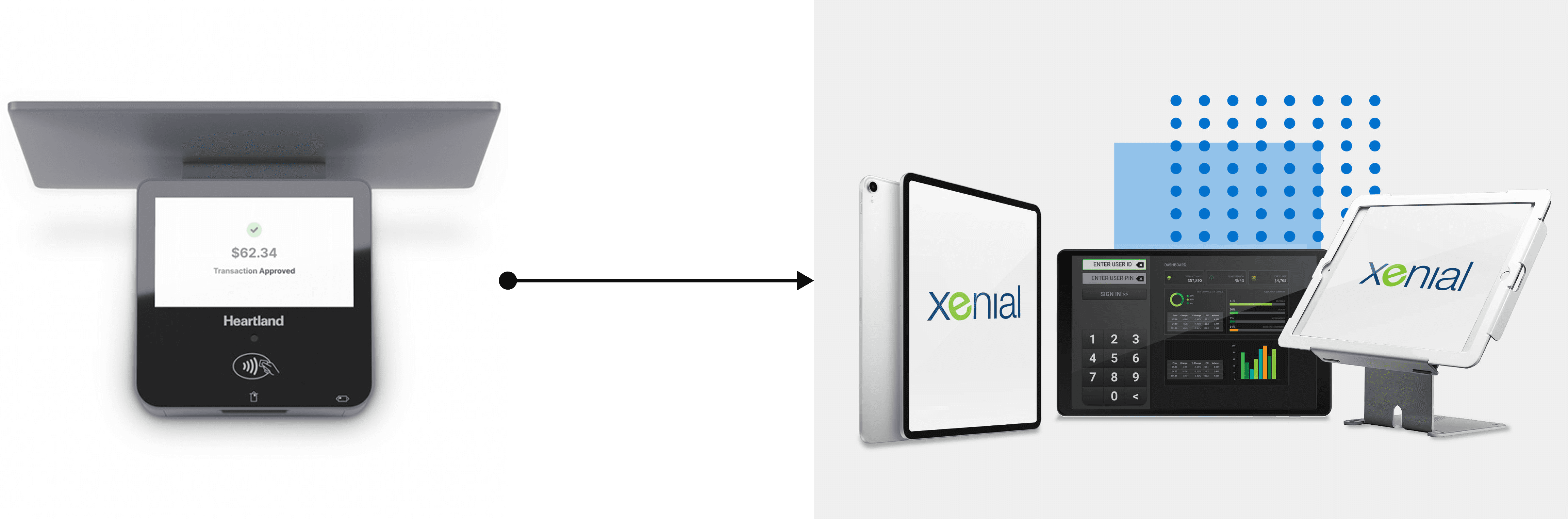
The task was to reimagine the entire Customer-Facing Display (CFD) experience for Global Payments’ new 11” Xenial tablets. Since there is now bigger screen real estate, this opened up a bigger opportunity to rethink how loyalty, tipping, and payment could show up clearly and efficiently on the customer side.
While working on this cross-functional effort, I:
• collaborated with 2 designers on product strategy and ideation across all 3 parts of the core flow: Loyalty, Payment, and Tipping
• led and owned the Loyalty experience, ensuring it scaled across the CFD
• collaborated with 2 PMs and engineers to tackle previous constraints, gather requirements from a legacy experience, and brainstorm opportunity to reimagine a seamless checkout experience
The Pain Points
I began by auditing the original POS and CFD flows, through feedback from customers about the previous experience. I also did research on current competitor flows by visiting restaurants that used our competitor POS.
Pain Points from the Customer Feedback
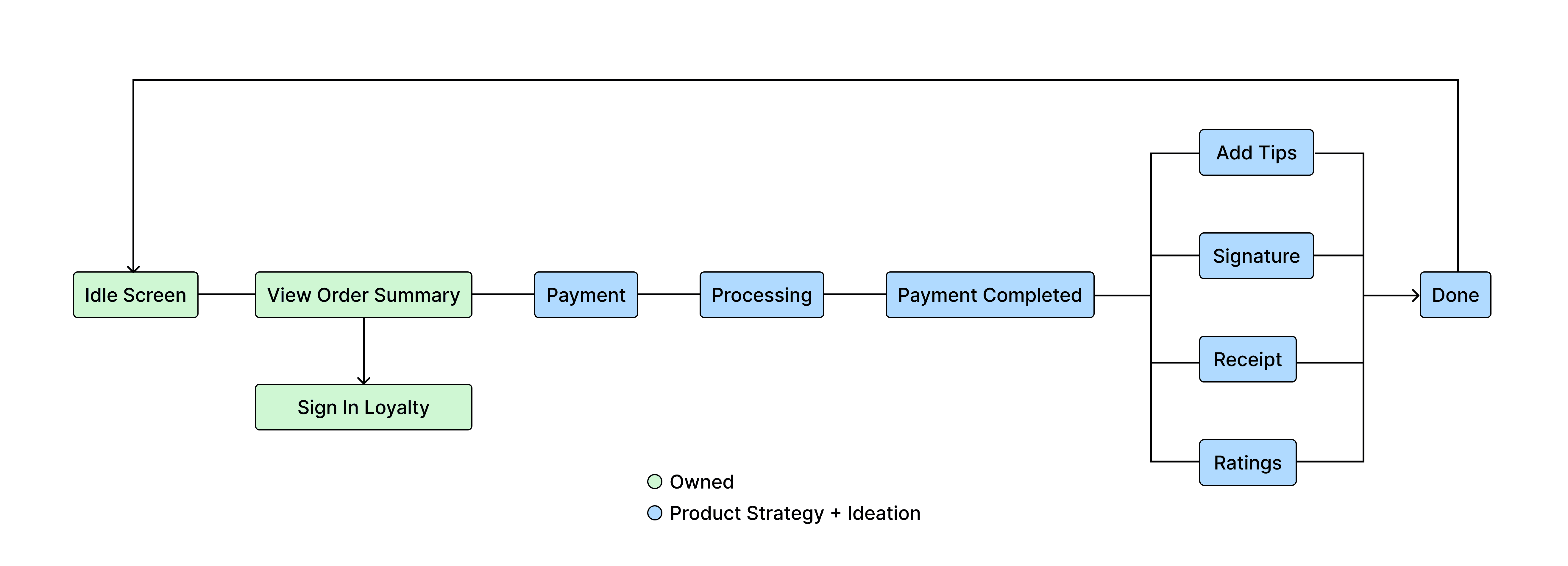
For the CFD, customers didn’t realize tipping and ratings came after payment
For the CFD, customers left the flow after seeing a green check mark, assuming completion
Pain Points from Competitive Flow Research
In the previous experience, loyalty was often skipped due to poor discoverability and lag on ELO tablets
In the previous experience, accessing loyalty created unnecessarily long lines at check out
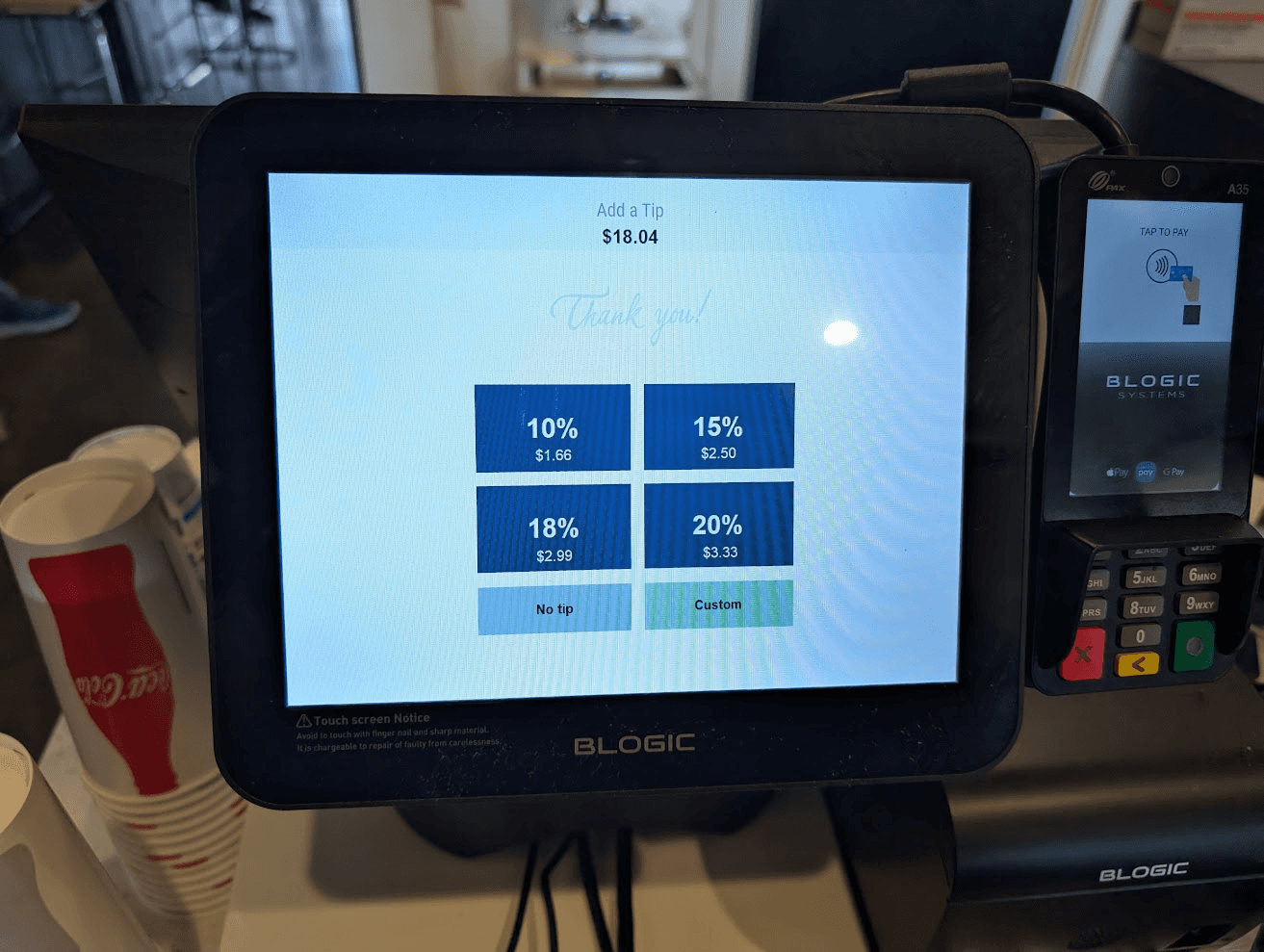
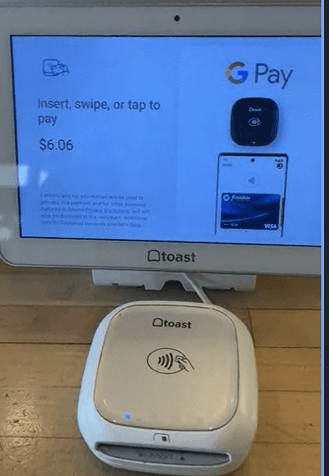
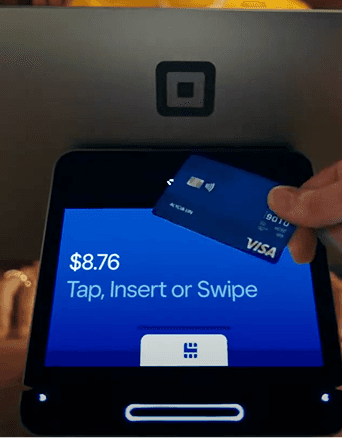
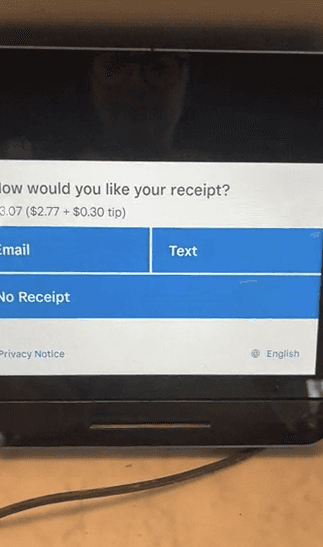
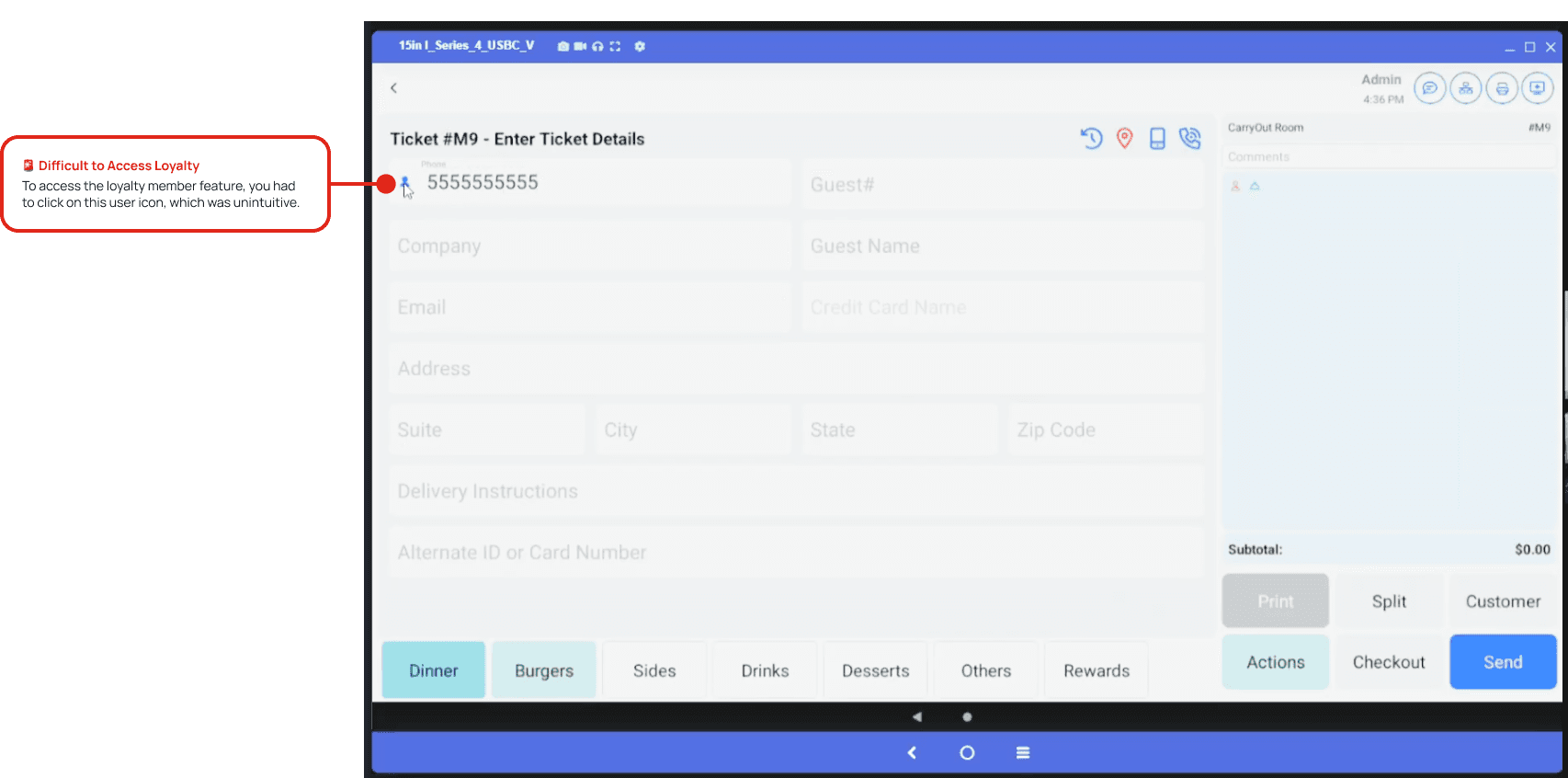
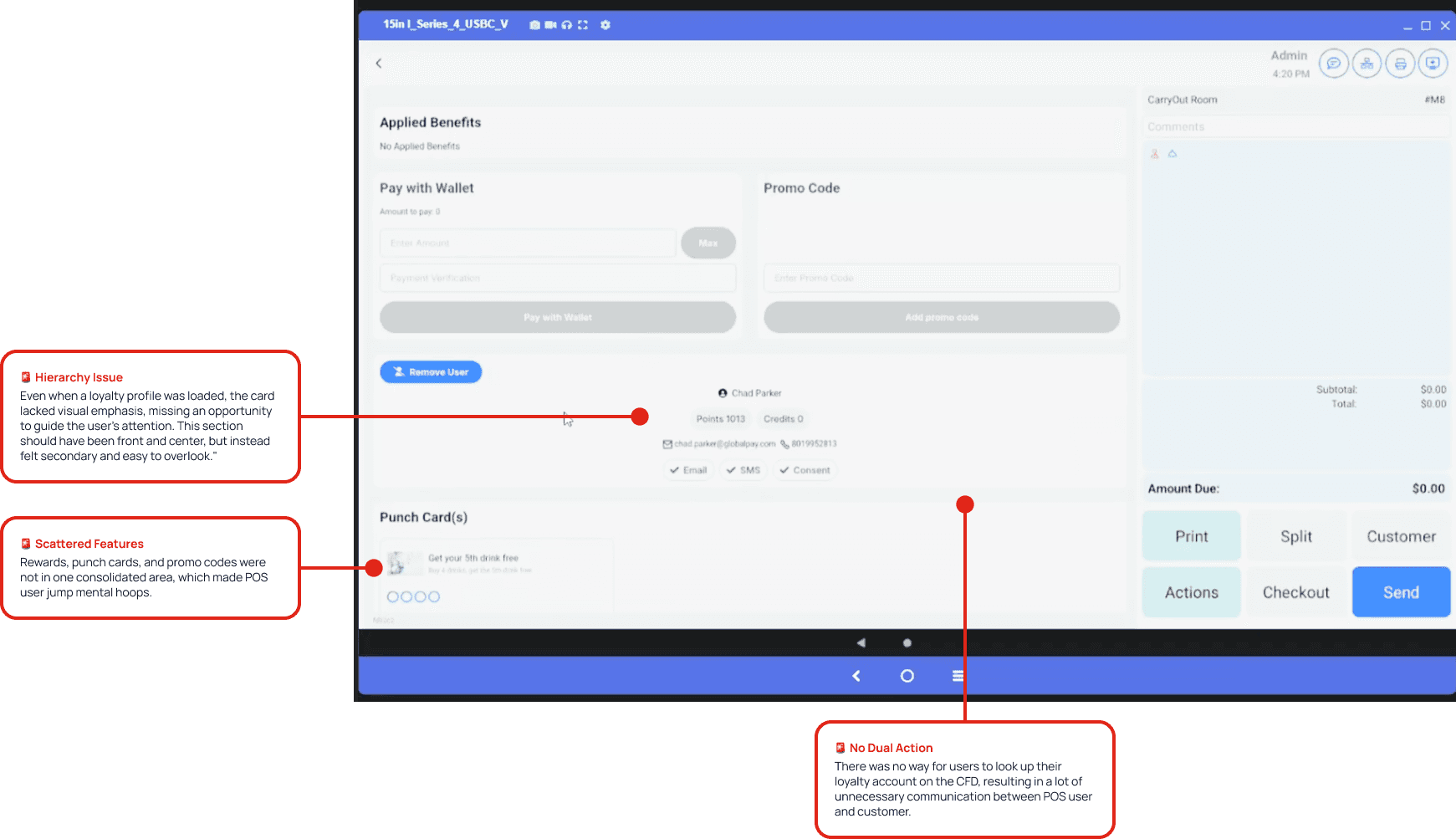
Previous Loyalty Experience in the POS
❗️ Key Design Goals
Through close collaboration with PMs and fellow designers, we aligned on several key goals:
Designing a flexible layout optimized for 11' Xenial tablets
Support promotional content during idle states
Creating a loyalty experience where customers can easily login and sign up through the CFD
Handling payment edge cases like split tenders, cash, wallet points, and guest checkouts.
Making tips, signatures, and receipts feel intuitive and unskippable.
How Might We Solve This?
Loyalty, But Make It Fit
When Heartland upgraded from a 7-inch to an 11-inch customer-facing display (CFD), we had more screen real estate, but more complexity. The challenge was figuring out how to make use of that space without overwhelming users.
One challenge was image handling: restaurants could upload multiple promos, but we needed a clean, scalable layout. I pushed for making image to fit on a 1920 x 1080 canvas to reduce dev lift and avoid clutter, keeping the image scaled properly and not cutting off any of the images.
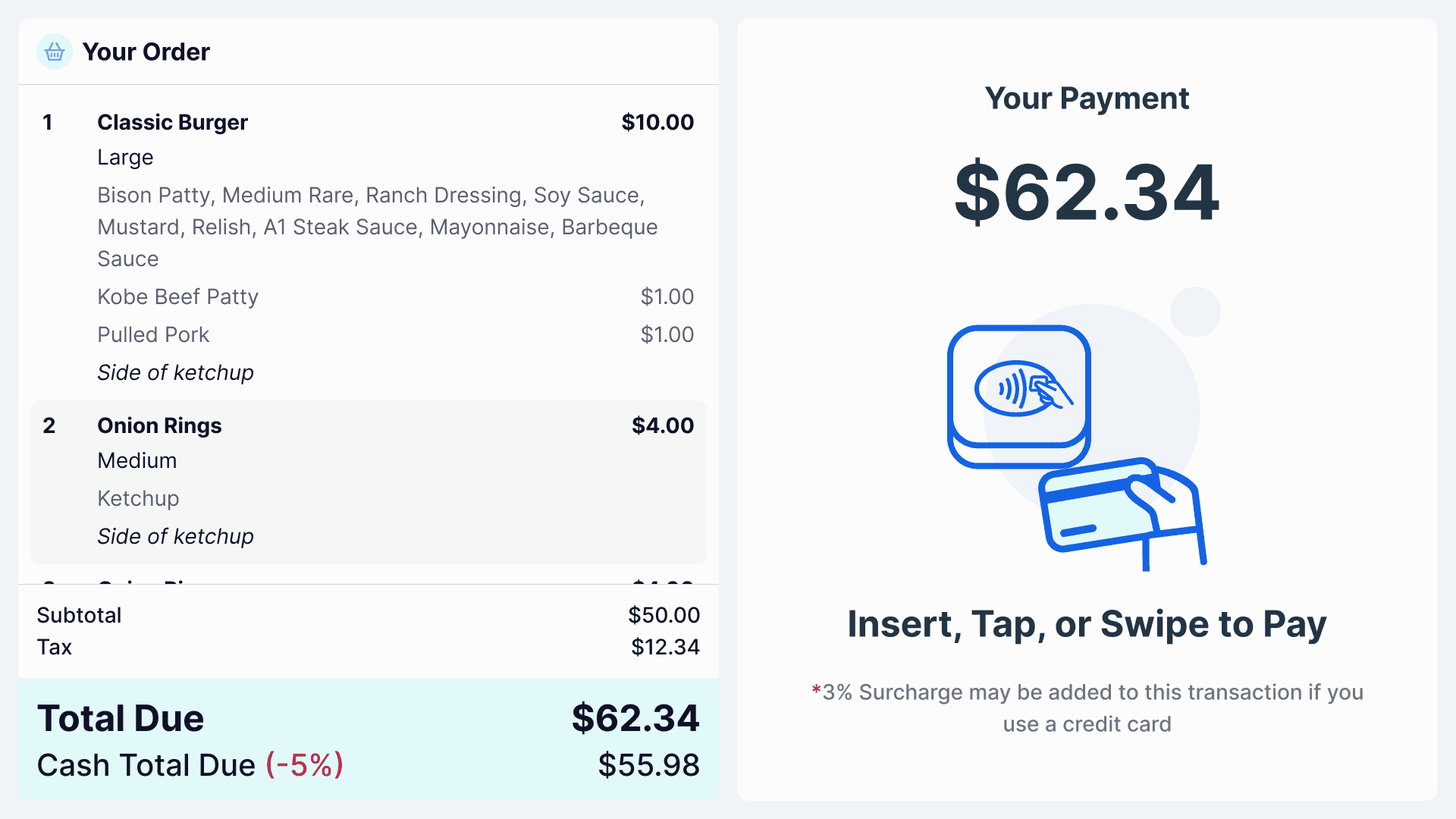
Pay by Card
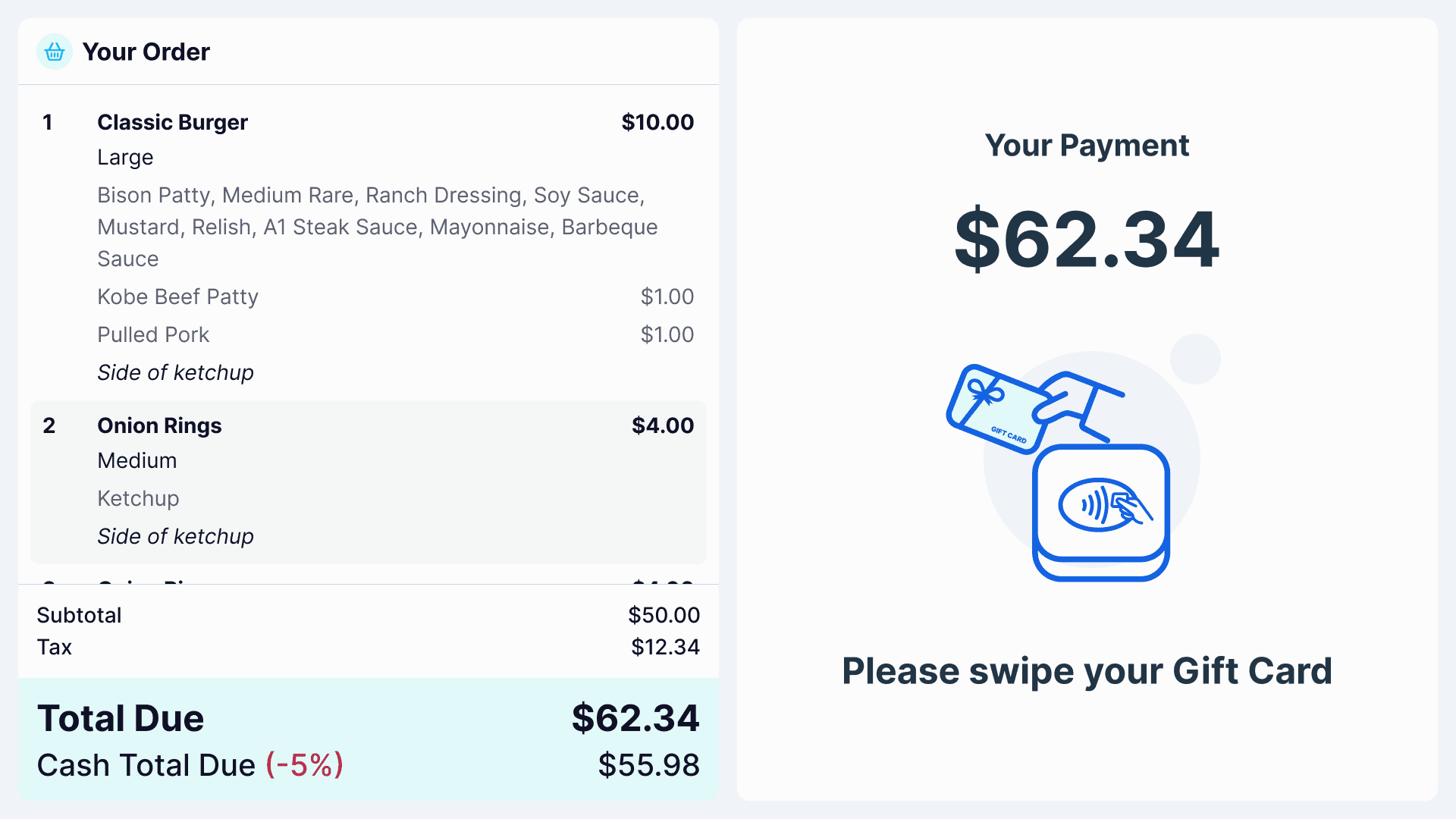
Pay by Gift Card
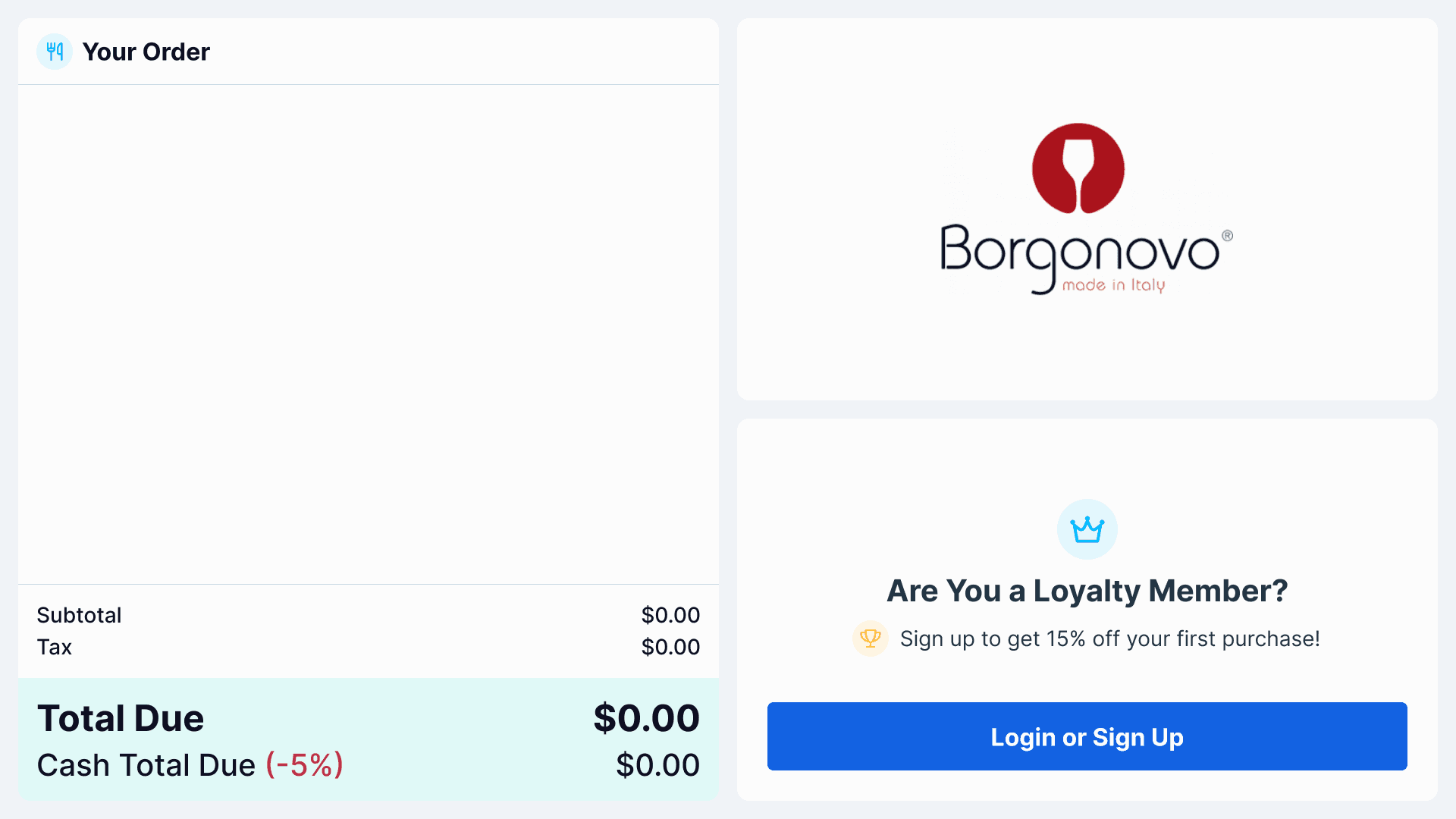
Order Summary Screen
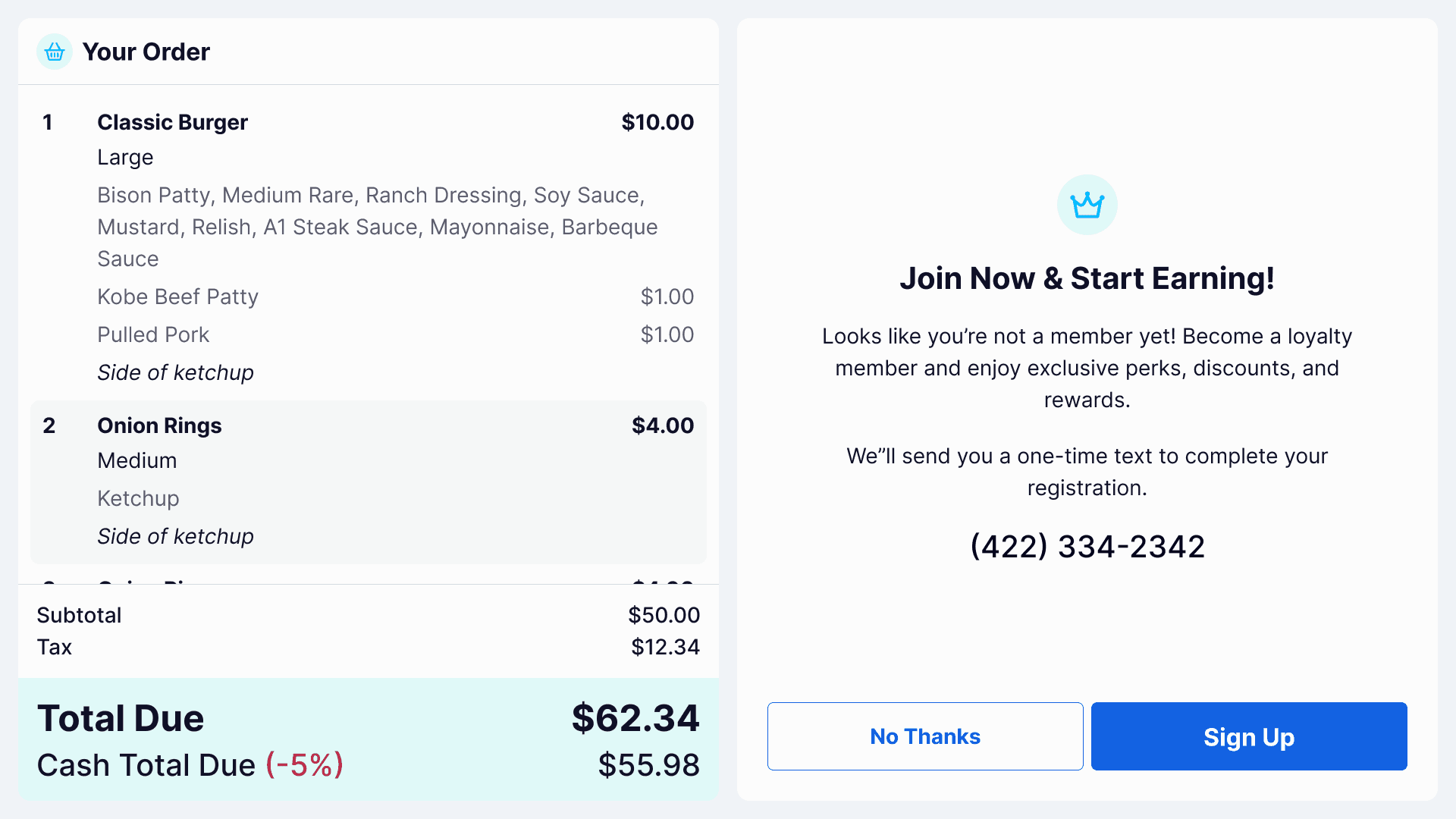
No Loyalty Account Found
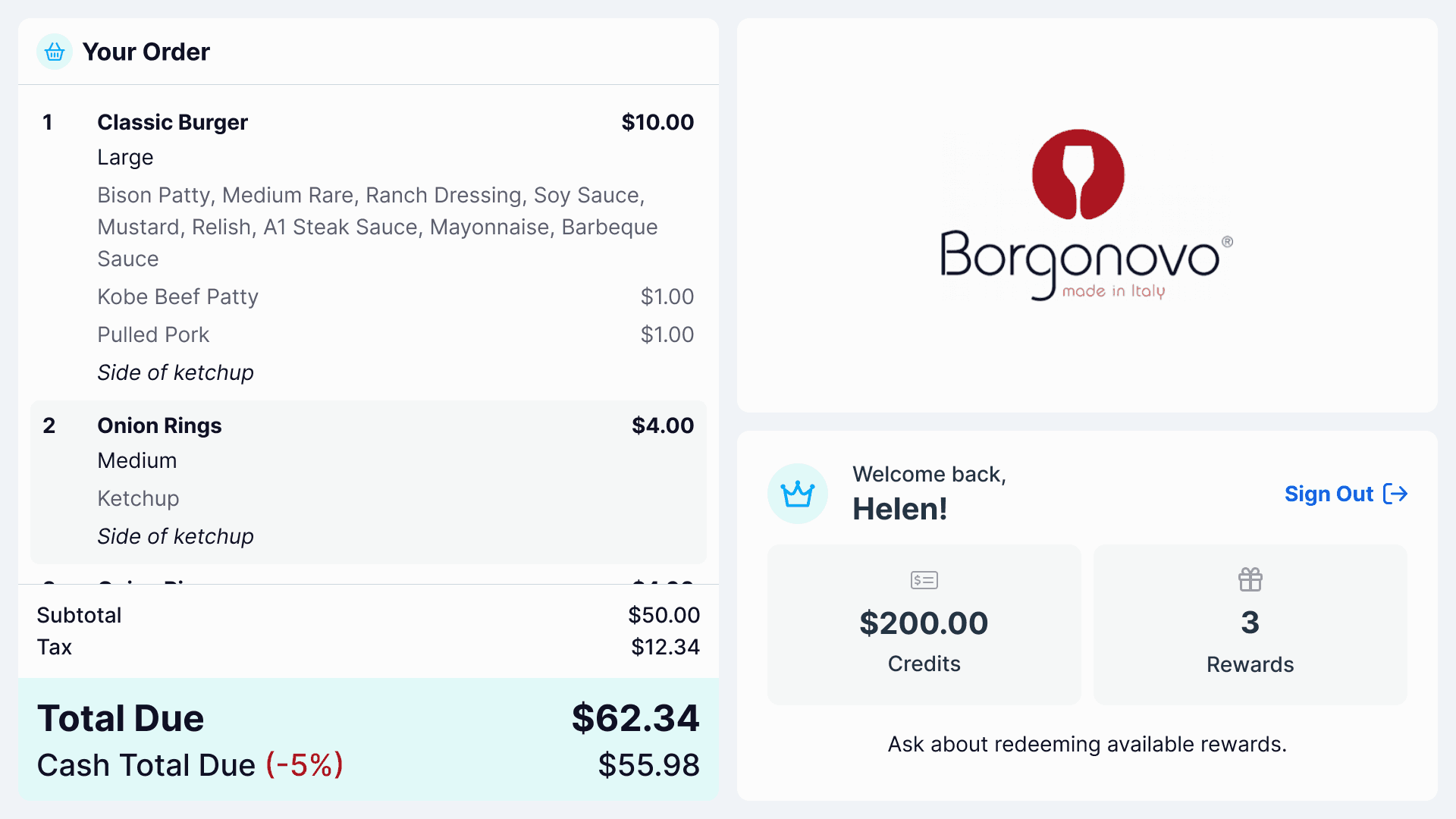
Loyalty Account Found
Payment: Exactly How Many Edge Cases?
In strategy workshops, I mapped out edge cases like gift cards, partial payments, and cash + card combinations. A key challenge was designing for both the cashier and customer simultaneously.
Each flow had to support multiple payment scenarios while simultaneously ensuring a seamless experience on both the POS and Customer-Facing Display.
Pay by Card
Pay by Gift Card
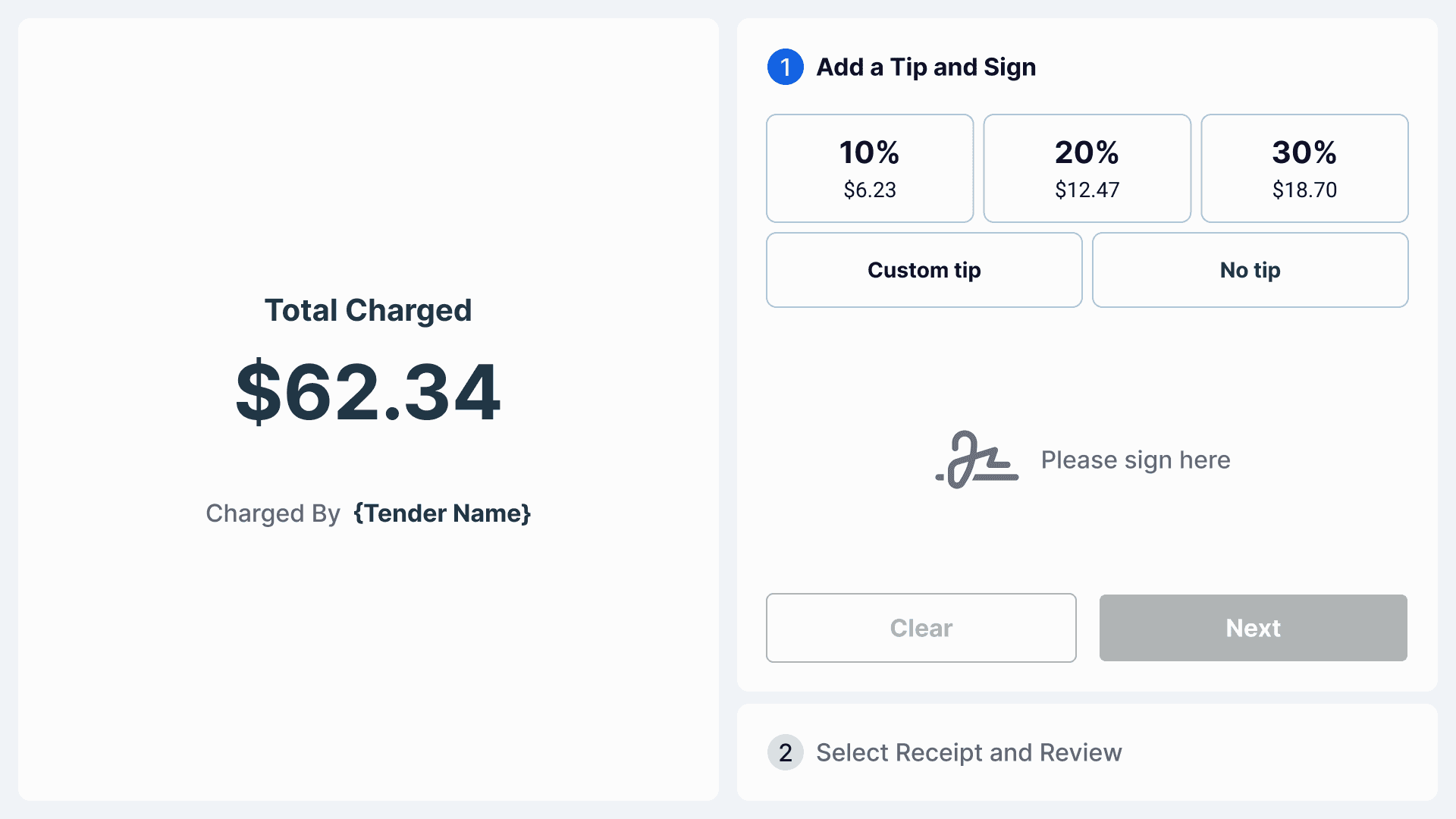
Pay by Tender
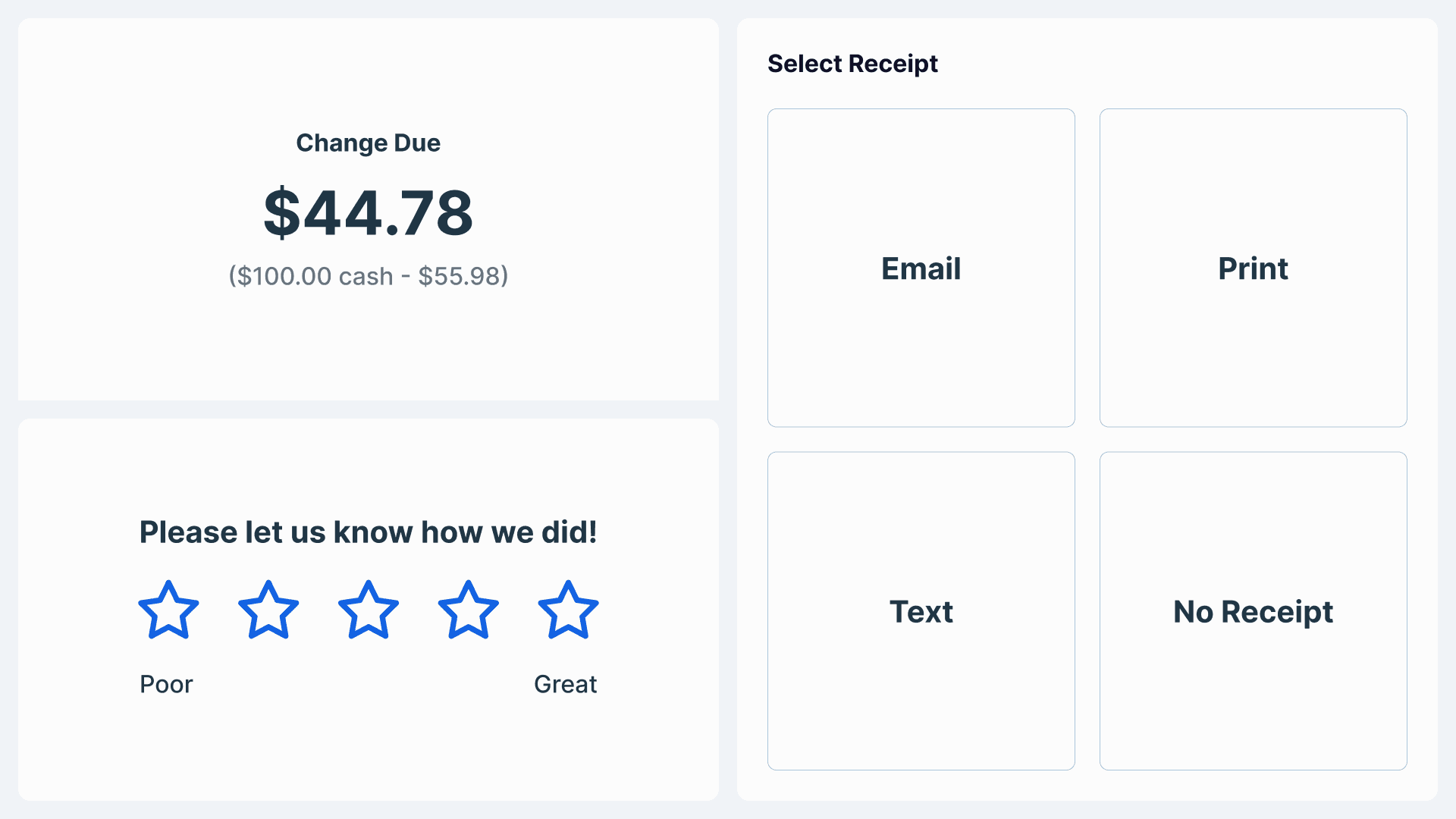
Pay by Cash
Tipping, Receipt, and Ratings UX
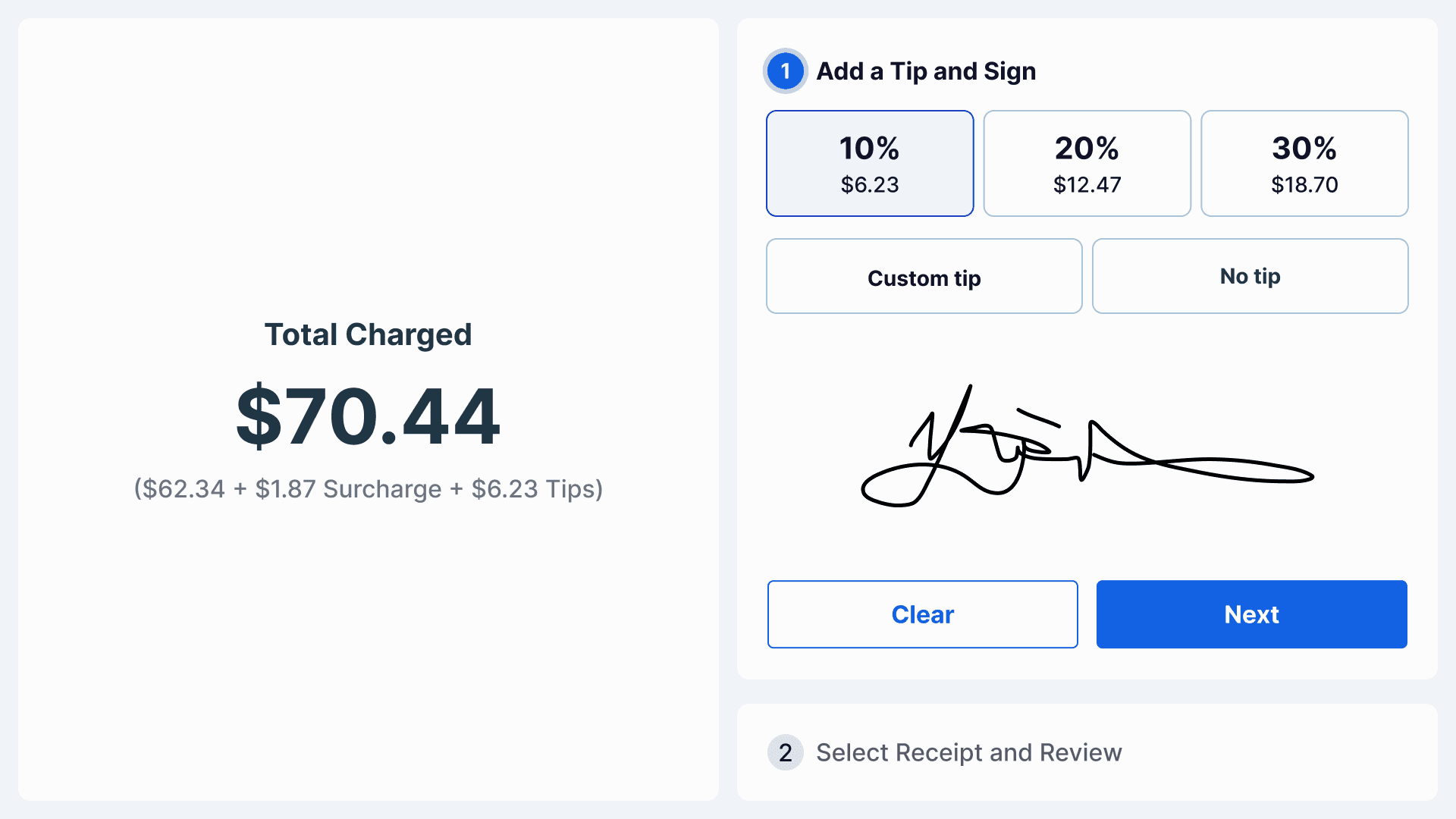
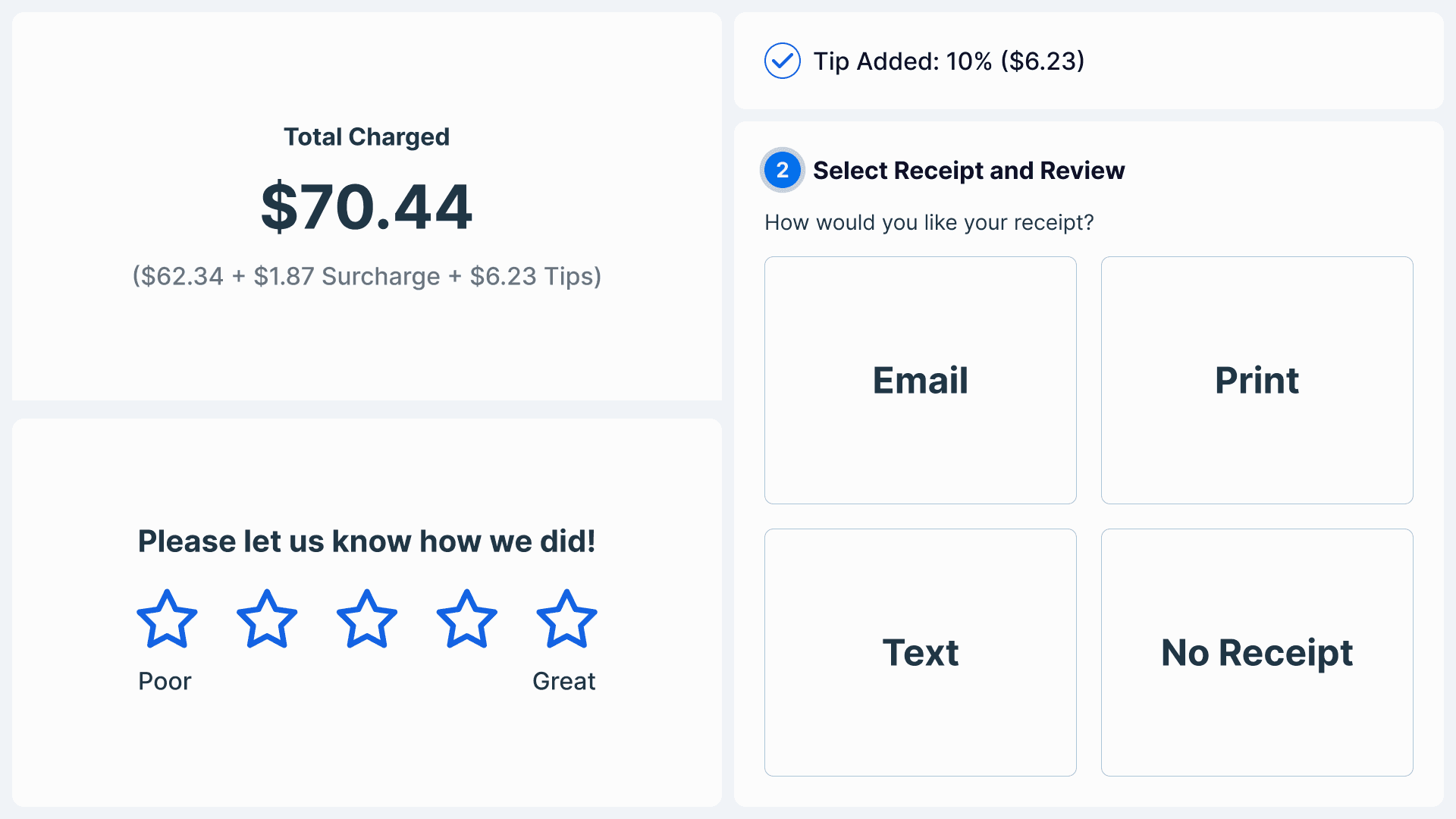
Designing for tipping, receipt, and ratings flow was like Tetris. Customers often skipped steps, especially the receipt and rating screens, because it wasn’t clear how many were left. One of our key challenges was helping users understand where they were in the process. Even though ratings were optional, we redesigned the flow to make it more guided and structured, which helped boost completion and engagement when testing internally.
Breaking Away from the Design System
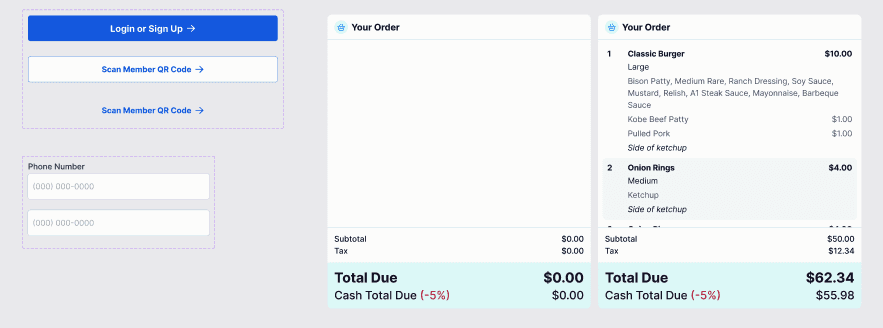
At Heartland, we typically follow the Vega design system closely. But for this project, we had to make deliberate adjustments. The 11” tablet came with strict touch target requirements that didn’t align with Vega’s standard sizing for web or POS. We reworked core components like text fields, buttons, spacing, and typography to match the new constraints, while still staying grounded in the system’s visual language.
The Handoff
We prototyped the happy path early to align the team (devs + PMs), support async reviews, and give engineers a clear starting point.
This approach helped us move faster. Developers could begin with the core flow while we refined the other edge cases and more complex interactions simultaneously.
Designing for Success
Before this redesign, the old CFD flows didn’t have clear success metrics in place. I introduced KPI's to help guide our alpha launch and future iterations. These included:
Loyalty Engagement Rate – % of transactions where a loyalty action (lookup, join, apply reward) is triggered on the CFD
Average Checkout Duration (ACD) – Time from activation to finishing receipt
Flow Completion Rate – % of customers who complete each phase: Tip → Receipt → Ratings
Tracking these metrics would help us track our progress and success along the way.
Current Status : 🛠 QA implementation underway, launching Q2
Key Learnings
Designing for POS meant thinking like both the cashier and the customer, which meant fast, clear, and frictionless. Every second matters in service environments, so it was about making actions intuitive under pressure.
The real win was making loyalty feel like a seamless part of checkout rather than a clunky extra step. From edge cases like new vs. returning members, to split payments and wallet redemptions, designing in sync with the team was critical. Tight flows and tight timelines demanded tight collaboration.
